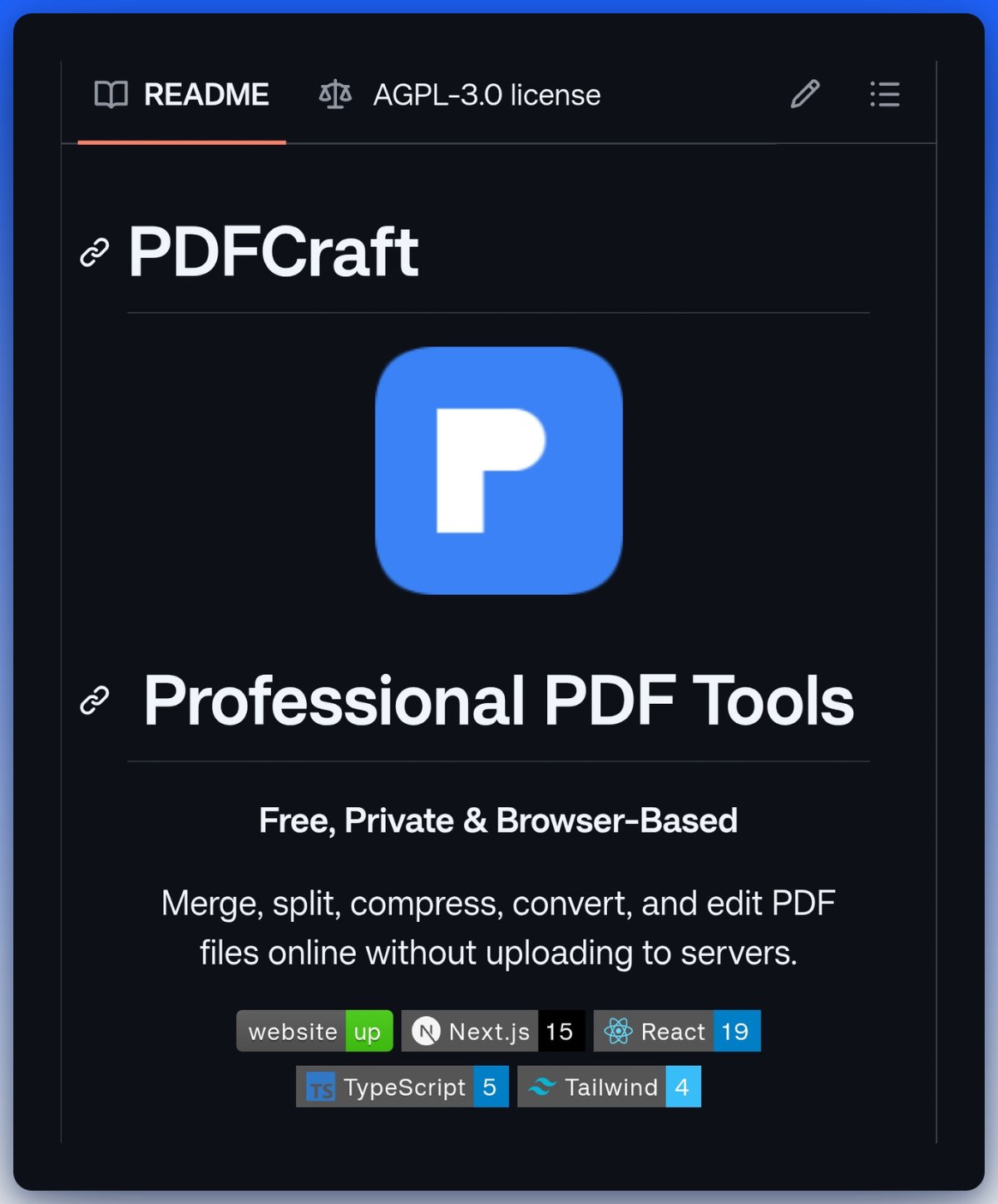
GitHub Projects Community released an open‑source PDF toolkit that bundles more than 90 tools—merge, split, OCR, encrypt, convert, sign, compress—running entirely in the browser via WebAssembly, as announced in a tweet.
Feature set at a glance
The toolkit covers the typical PDF workflow: merging multiple files, extracting pages, applying OCR to scanned documents, password protection, format conversion (PDF ↔ image), digital signatures, and lossless compression. Because every function lives in the client, there is no need to upload files to a backend, which eliminates latency and data‑transfer costs.
Cost and licensing
The project is released under an open‑source license, so there are no licensing fees. You only pay the compute cost of the user’s device; the WebAssembly payload is a few megabytes, and browsers cache it after the first load. This makes the toolkit attractive for startups that want to avoid server‑side PDF processing infrastructure.
Trade‑offs to consider
Running heavy OCR or batch conversions in the browser can strain memory on low‑end devices, and performance will vary across browsers. The OCR engine, while convenient, may produce more false positives than a dedicated cloud service tuned for specific languages. Additionally, the toolkit does not expose a REST API, so integrating it into server‑centric pipelines requires extra client‑side orchestration.
When to give it a try
If your product handles modest‑size PDFs (under a few megabytes) and privacy is a priority—e.g., legal documents that must never leave the user’s machine—embedding this toolkit can simplify the stack. For large‑scale batch jobs or enterprise‑grade OCR accuracy, a server‑based solution may still be preferable.
What to watch: the project’s roadmap and browser compatibility updates. A stable release is already usable, but future enhancements (e.g., incremental loading, GPU‑accelerated OCR) could broaden its suitability for heavier workloads.