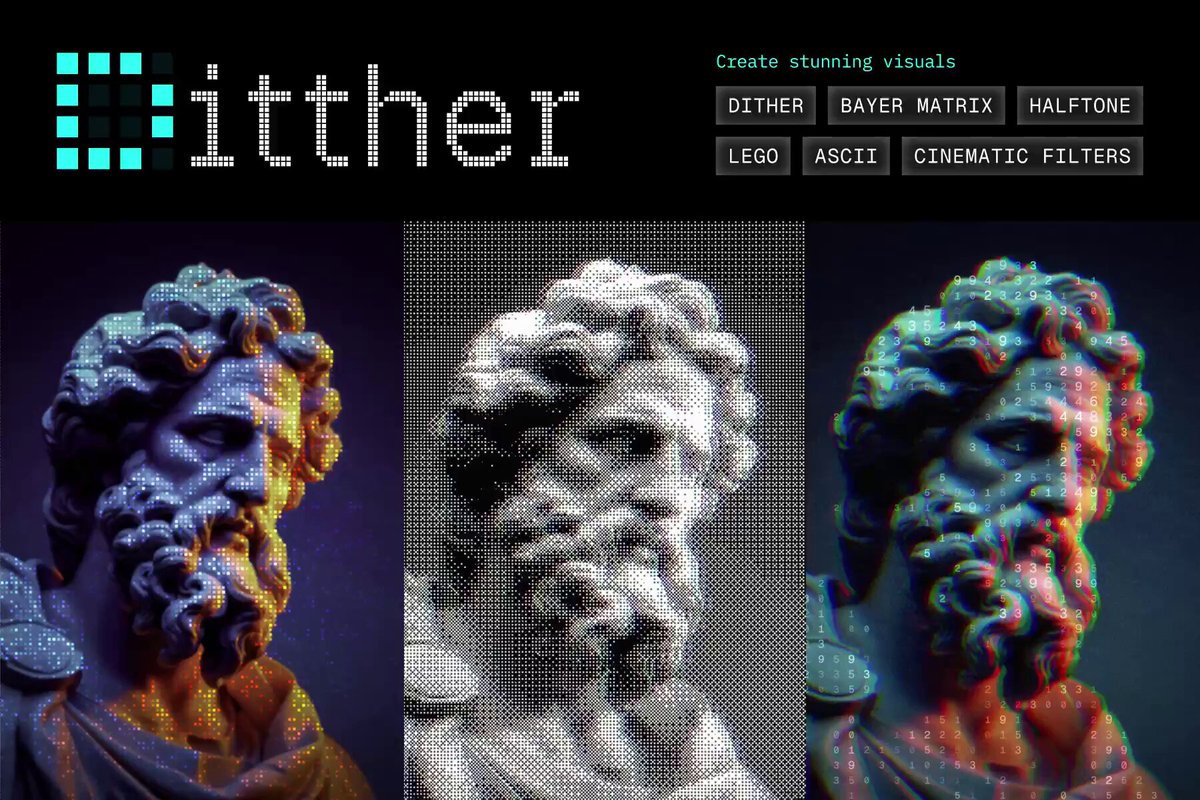
Jitter announced that its AI can now turn simple text prompts into custom motion effects, such as a 3D rotate animation, in just a few seconds. The tweet shows examples like pixel masks, ripple effects, and motion trails, all generated from a single sentence description.
How the prompt‑to‑effect pipeline works
The service parses a natural‑language prompt, maps keywords to visual primitives, and renders a short video clip. Users can then adjust sliders for speed, direction, or intensity before exporting. The underlying model is not disclosed, but the workflow mirrors other generative video tools that blend diffusion with procedural animation.
What you can build right now
Early demos include rotating a logo in 3D space, adding a ripple to a static image, and creating a trailing effect behind a moving object. Because the output is editable, teams can iterate quickly without hand‑coding keyframes, which can shave hours off a typical motion‑design sprint.
Caveats and cost considerations
The announcement does not include pricing; Jitter’s existing products are subscription‑based, so the AI feature may sit behind a higher tier. Accuracy varies – vague prompts can produce noisy or unrelated visuals, requiring manual cleanup. Additionally, the model runs in the cloud, so latency and bandwidth could be concerns for large teams.
When to give it a spin
If your startup frequently needs short, stylized animations for demos or marketing assets, try the free preview linked in the original tweet and compare the time saved against your current keyframe workflow. Keep an eye on the pricing announcement and test a few edge‑case prompts to gauge false‑positive rates before committing to a paid plan.