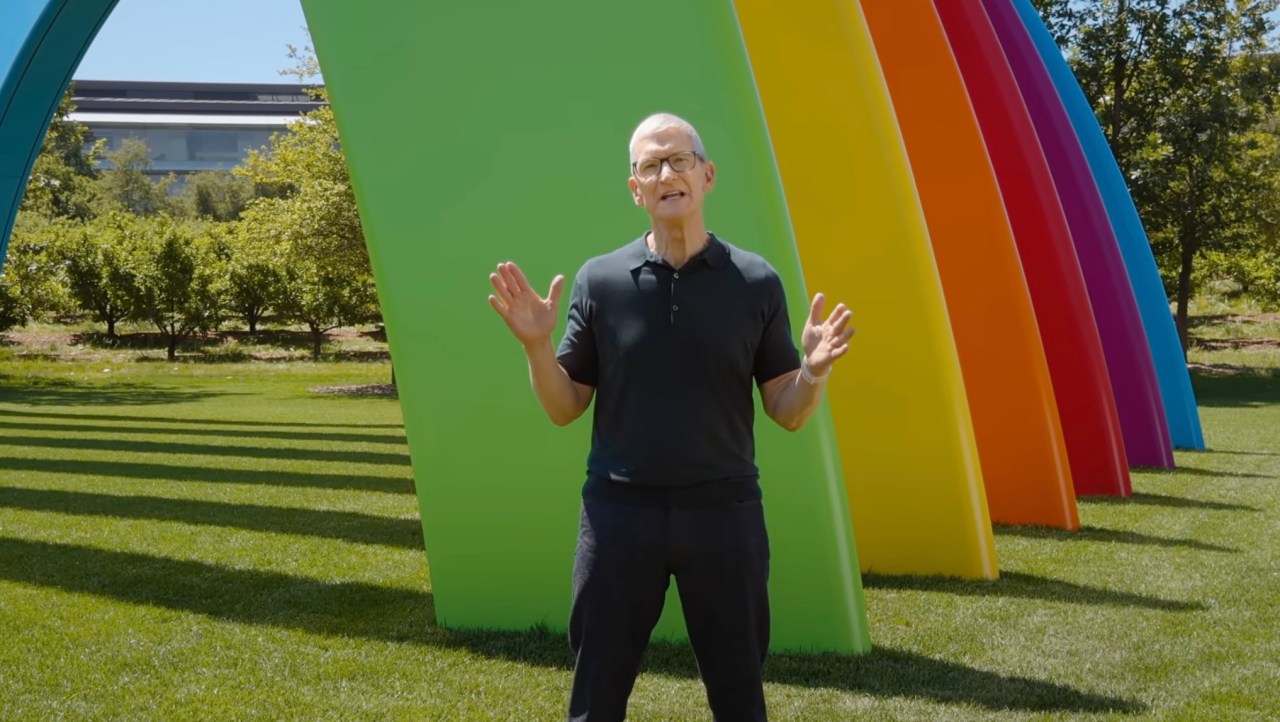
Apple announced an AI-powered upgrade to its Shortcuts app at WWDC 2026, making automation accessible to everyday iPhone users for the first time. Instead of manually chaining app actions and variables, users can now just describe what they want, and Apple Intelligence builds the workflow for them.
What the feature does
The new Shortcuts uses Apple Intelligence to parse natural language input and translate it into a working multi-step automation. A user could type "notify my partner when I leave work with an ETA", and Shortcuts would automatically pull in location triggers, Apple Maps, and iMessage to build the full flow. Users can also describe edits after the fact ("also start my podcast") without touching a single action block.
Where founders might use it
For early-stage teams building on iOS, this signals a shift in how non-technical users can interact with the device. If you're building a productivity, communication, or workflow app, Shortcuts integration just became more discoverable — because your users can now stumble into it through plain text. It also opens up a low-code onboarding angle: instead of building in-app automation, you could guide users toward building their own Shortcuts using natural language.
Trade-offs and unknowns
The feature is powered by on-device Apple Intelligence, which means it's currently limited to Apple Silicon devices — not everyone in your user base will have access at launch. There's also the question of reliability: natural language is ambiguous, and how well the model handles edge cases or complex multi-app flows is untested in the wild. Customization depth remains unclear; power users who relied on precise variable control may find the AI interpretation too lossy for advanced workflows.
When to pay attention
iOS 27 ships this fall, so there's a window to prep. If your app has repeatable user actions — sending updates, logging data, triggering alerts — now is a good time to review your Shortcuts integration and make sure it surfaces cleanly when AI tries to build a workflow around it. The teams that build Shortcuts-ready actions early will be easier to discover when millions of non-technical users start describing automations that involve your app.