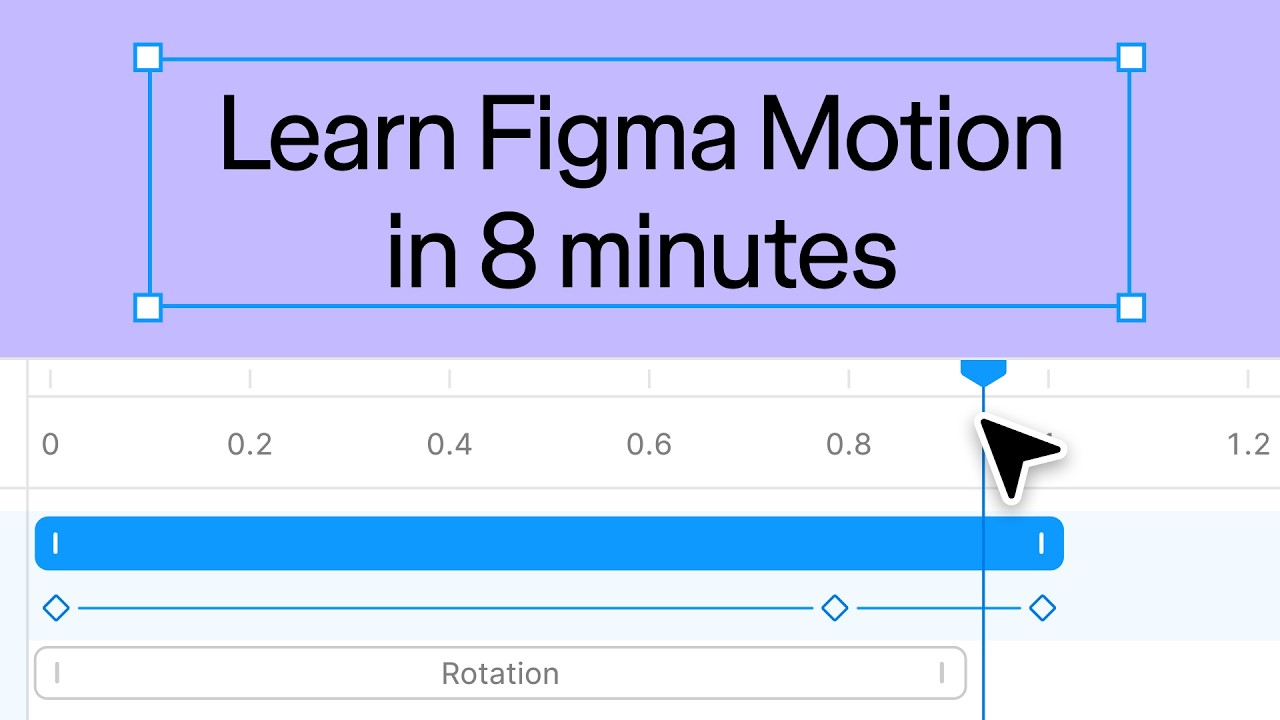
At Config 2026, Figma introduced Motion, a new feature that allows designers to create animations and interactive experiences directly within Figma.
On the surface, it looks like another motion design tool.
But the bigger story isn't animation.
It's workflow consolidation.
For years, product teams followed a familiar process:
Figma → After Effects → Developer
Designs were created in Figma, animations were recreated elsewhere, and developers then translated those experiences into code.
With Figma Motion, Figma is attempting to remove another step from that workflow.
For startups and product teams, the announcement is less about creating flashy animations and more about accelerating the design-to-development workflow. Fewer tools, fewer handoffs, and faster iteration cycles could help teams move from idea to product more efficiently.
What Is Figma Motion?
Figma Motion is a motion design capability built directly into Figma.
Announced during Config '26, Figma's annual conference focused on design and product development, the feature allows designers to create animations, transitions, and interactive experiences without exporting projects into separate motion design software.
Rather than treating motion as a separate workflow, Figma is integrating it directly into the product design process.
The goal is to help teams design not only how products look, but also how they feel.
What Does Figma Motion Do?
Figma Motion enables designers to create and preview interactions directly inside their design environment.
Potential use cases include:
- Screen transitions
- Button interactions
- Navigation animations
- Loading states
- Interactive prototypes
- Product demonstrations
Instead of relying on static screens, teams can visualize user flows and interactions before development begins.
This can improve communication between designers and developers while reducing ambiguity during implementation.
Why Did Figma Launch Motion?
The most important part of this announcement isn't motion design.
It's reducing workflow fragmentation.
Every time a designer leaves Figma, productivity decreases.
Moving designs into separate animation tools creates additional exports, revisions, approvals, and feedback loops.
By introducing Motion, Figma is removing one more reason for designers to switch platforms.
This follows a broader trend in Figma's strategy. Over the past few years, the company has expanded into prototyping, collaboration, AI-powered design tools, and developer workflows.
Figma increasingly appears to be positioning itself as a complete product creation platform rather than just a design application.
Figma Motion vs The Traditional Workflow
| Stage | Traditional Workflow | With Figma Motion |
|---|---|---|
| Interface Design | Figma | Figma |
| Motion Design | After Effects or similar tools | Figma Motion |
| Prototype Testing | Multiple platforms | Inside Figma |
| Developer Handoff | Separate assets and files | Unified workflow |
| Team Collaboration | Fragmented | Centralized |
Traditional motion tools still offer significantly more flexibility for advanced animation and video production.
However, for product teams focused on web and mobile experiences, Figma Motion could eliminate a considerable amount of workflow complexity.
How Startups Can Use Figma Motion
Faster Product Iteration
Teams can test interactions and user flows without recreating assets across multiple platforms.
Reduced Tool Sprawl
Smaller teams can potentially manage more of their workflow from a single environment.
Better Designer-Developer Communication
Developers gain clearer visibility into how interactions are intended to work.
Improved Design-to-Development Workflow
Keeping design, interaction, and prototyping closer together can reduce friction throughout the product development process.
Can Figma Motion Replace After Effects?
Not entirely.
After Effects remains a far more capable solution for:
- Motion graphics
- Advertising creatives
- Brand storytelling
- Video production
- Advanced visual effects
Figma Motion serves a different audience.
Its focus is product interfaces, UX interactions, and application design rather than cinematic content creation.
For many product designers, however, it may remove the need to leave Figma for routine motion work.
Final Verdict
Among the announcements unveiled at Config 2026, Figma Motion may seem like a simple animation feature.
In reality, it reflects a much larger trend.
Figma is steadily reducing the number of tools required to move from design to development.
For years, the workflow looked like this:
Figma → After Effects → Developer
Figma Motion brings the industry one step closer to:
Figma → Developer
And that may ultimately be the most important part of the announcement.
Frequently Asked Questions
What is Figma Motion?
Figma Motion is a motion design feature that allows designers to create animations and interactive experiences directly within Figma.
What can Figma Motion be used for?
It can be used for transitions, interactions, prototypes, loading states, and other product-focused animations.
Is Figma Motion replacing After Effects?
No. After Effects remains significantly more powerful for motion graphics and video production, while Figma Motion focuses on product and interface design.
Why is Figma Motion important?
It reduces workflow fragmentation and allows more of the design-to-development workflow to happen inside a single platform.
Who benefits most from Figma Motion?
Product designers, UX teams, startups, agencies, and organizations building digital products.