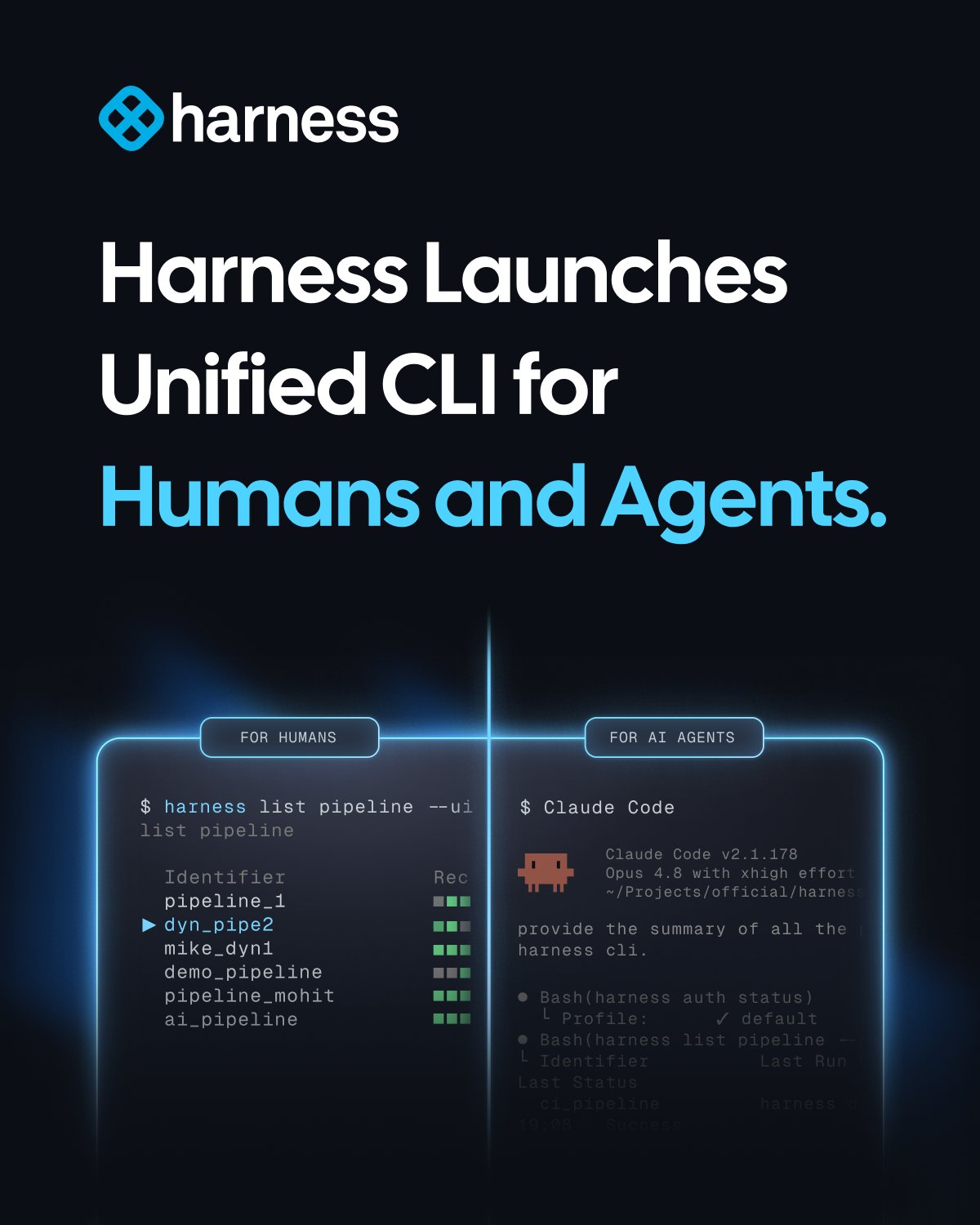
Harness announced a new Harness CLI that is marketed as “built for humans and agents,” adding a dedicated command‑line layer to the broader Harness platform. The first public build ships with a harness login flow that stores credentials in the OS keychain and a harness exec subcommand that guarantees repeatable runs for AI‑driven automation.
What the CLI actually does
The CLI wraps existing Harness services—feature flags, continuous delivery pipelines, and secret management—into a single binary. Developers can invoke harness flag get <key> to fetch a flag value directly from the terminal, or run harness pipeline trigger <pipeline-id> without opening the web UI. The tool also exposes a JSON‑over‑STDIN interface, which AI agents can call to perform deterministic actions without human interaction.
Pricing and availability
Harness is rolling the CLI out as a free, open‑source download on GitHub, but the underlying platform services still follow Harness’s standard subscription tiers. Teams that are not already on a paid plan will need to purchase a DevSecOps license to use the backend features the CLI talks to. The binary itself has no per‑seat cost.
Caveats to keep in mind
Because the CLI talks directly to Harness APIs, any mis‑configuration of API keys can expose privileged endpoints to the local shell. Early users have reported noisy logs when the exec mode retries failed steps, which can inflate CI runtime if not throttled. Also, the deterministic execution model assumes a static environment; container‑level differences can still cause drift.
When to try it
If your startup already uses Harness for feature flags or pipelines, spin up the CLI on a dev machine to replace a handful of web UI clicks and evaluate the automation surface. For teams evaluating DevSecOps platforms, the free binary offers a low‑friction way to test integration before committing to a paid plan. Keep an eye on the official announcement thread on X for upcoming stability fixes.