The confusion is real. When you search for "ChatGPT plugins," Google returns articles from 2023 (describing a feature that's dead), 2024-2025 (explaining GPTs), and September 2026 (naming something new). No wonder founders ask: "Should I use plugins or skills or GPTs? What's MCP?"
Here's what each one actually is, why the naming changed, and which one you should use.
The Real Story: OpenAI Reused the Word "Plugin" Three Times
If you're confused, it's because OpenAI changed its strategy three times and reused "plugins" in 2026 to name something completely different from 2023.
Timeline:
March 2023: OpenAI launches plugins (beta). They work inside ChatGPT, connect to external services using manifest files and OpenAPI. About 1,000 plugins ship to the store.
January 2024: OpenAI launches Custom GPTs in the GPT Store. This is the announced replacement for plugins.
April 9, 2024: Original plugins are fully shut down. The Plugin Store closes permanently. Existing plugin conversations stop working.
November 2024: Anthropic releases Model Context Protocol (MCP) as an open standard for AI tool integration.
March 2025: OpenAI adopts MCP and launches the Apps SDK. Data connectors (Gmail, Google Drive, Slack, Microsoft 365) become official integrations.
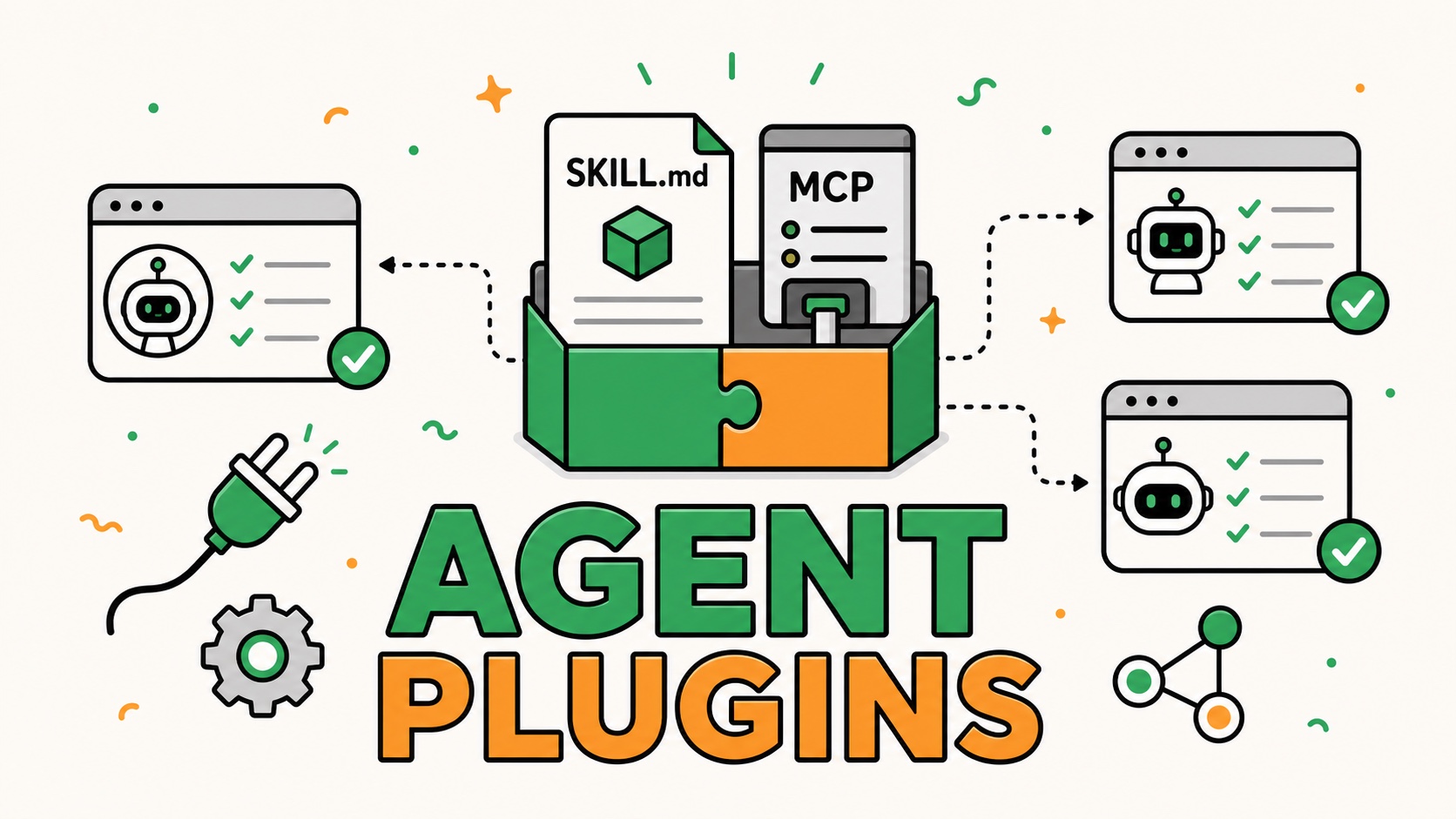
July 9, 2026: OpenAI renames the App Directory to the Plugin Directory. "Plugins" is now the umbrella term for the current system combining skills, apps, and MCP integrations.
The result: "ChatGPT plugins" can mean three different things depending on which year the article was written.
The Current System (September 2026)
Here's what exists right now and what each thing actually does.
Plugins (The Umbrella)
What it is: The Plugin Directory. OpenAI's central discovery layer for extending ChatGPT. Launched as the App Directory in 2025; renamed to Plugin Directory in July 2026.
What's inside: Anything that extends ChatGPT — skills, apps, and app templates.
Use for: Finding and installing any new capability into your ChatGPT session.
When to use it: Start here when you want ChatGPT to do something it can't do by default.
Skills
What it is: Reusable instruction sets. A SKILL.md file that encodes a specific workflow. "Here's how to write a blog post" or "Here's how to review code according to our standards."
Example: Vercel Writing Guidelines (a skill that teaches ChatGPT how to write in Vercel's voice). Or Matt Pocock's React skills (teaching specific React patterns).
Portable: Yes. A skill written once works in ChatGPT, Claude, and Cursor.
Cost: Free to create; free to install from the Plugin Directory.
When to use it: When you do the same type of work repeatedly and want ChatGPT to follow consistent rules without you restating them every time. Write once, use everywhere.
Apps
What it is: Integrations with external services. Apps connect ChatGPT to Gmail, Google Drive, Slack, Notion, Canva, Asana, and other platforms.
How they connect: OAuth (you click "Connect," authenticate, and ChatGPT can now read/write to that service).
What they let ChatGPT do: Read emails from Gmail. Pull documents from Google Drive. Post to Slack. Create designs in Canva. Update Notion databases.
Cost: Free. Some require you to have an account with the external service (Gmail, Slack, etc.).
When to use it: When you want ChatGPT to actually do something in another app, not just talk about it. "Read my emails and summarize them" instead of "here's how emails work."
MCP (Model Context Protocol)
What it is: An open standard for connecting AI assistants to tools and data. Created by Anthropic, now adopted by OpenAI and others.
Why it matters: Before MCP, every AI assistant needed its own plugins (ChatGPT plugins, Claude extensions, etc.). MCP means one integration works for ChatGPT and Claude and Cursor.
How to use it: In ChatGPT, go to Settings → Developer Mode and paste a server URL. Official MCP servers include Runway, Figma, GitHub and others.
Custom MCP servers: If you want to build a custom integration (connect ChatGPT to an internal tool), you build an MCP server, not a ChatGPT-specific plugin. It works everywhere MCP is supported.
Cost: Varies. Official integrations (Runway, Canva) are free; custom MCP servers depend on your infrastructure.
When to use it: When you want tool integrations that work across multiple AI assistants, or when you're building a custom integration that multiple teams will use.
GPTs (Custom ChatGPT Instances)
What it is: A standalone version of ChatGPT with custom instructions, knowledge files, and actions. Lives in the GPT Store.
How it differs from plugins: Plugins extend your main ChatGPT session. GPTs are separate applications you open like an app.
Example: Someone creates "Code Reviewer GPT" with instructions on how to review code, plus actions (integrations) to your GitHub. You click it from the GPT Store, and it opens in a separate chat.
Cost: Free (for most). The creator defines pricing if they want to charge.
When to use it: When you want a specialized assistant for a specific purpose — legal analysis, code review, writing in a specific style. Or when you're distributing a reusable tool to teams.
The Decision Framework
Should I use plugins or skills or GPTs or MCP?
If you want ChatGPT to follow repeatable rules for your work:
Use Skills. Write a SKILL.md file encoding how you want ChatGPT to behave (writing style, review criteria, decision-making framework). Install it once, use it forever. Works in ChatGPT, Claude, and Cursor.
If you want ChatGPT to access another app's data or take actions:
Use Apps (from the Plugin Directory). Click Connect on Slack, Gmail, Notion, Canva, etc. ChatGPT now reads/writes to that service.
If you want a tool that works across ChatGPT and Claude:
Use MCP. Build or install an MCP server. One integration, everywhere.
If you want a specialized chatbot for your team:
Use GPTs. Create a Custom GPT with instructions and actions, share it with your team from the GPT Store.
If you're building a custom integration:
Build an MCP server, not a ChatGPT plugin. MCP is the future; custom ChatGPT-only integrations are the dead end (they replicate 2023 mistakes).
What About the Original Plugins from 2023?
They're gone. Fully dead. Shut down on April 9, 2024.
If you read an article that says "Go to Settings → Plugins → Plugin Store and install X," that's describing a feature that no longer exists. Ignore it.
What happened to the tools that were plugins? Most migrated to GPTs or apps. If you relied on a 2023 plugin (Wolfram Alpha, Zapier, Expedia), search the Plugin Directory for the category instead of the tool name; the replacement usually exists and is stronger.
Why OpenAI Reused the Word "Plugin"
It's a little ironic. In 2023, "plugins" were OpenAI's bet on tool integration. They died in April 2024 because they were too rigid and vendor-specific.
For 2024-2025, OpenAI pivoted to GPTs (custom chatbots with actions). That worked better but still locked integrations into ChatGPT only.
In 2025, Anthropic released MCP, an open standard that OpenAI adopted. Suddenly, one integration could work across ChatGPT, Claude, and Cursor.
In July 2026, OpenAI brought "plugins" back as the umbrella name for the entire discovery layer — skills, apps, MCP servers, and templates all under one roof. The word means something completely different from 2023, but "plugins" was the clearest way to signal "the main way you extend ChatGPT."
It's confusing, but the direction is clear: away from closed, vendor-specific integrations toward open standards that work everywhere.
The Current Confusion in Google Search
Right now, when you search "ChatGPT plugins," you get:
- 2023 content: "Install plugins from the Plugin Store" (dead feature)
- 2024-2025 content: "Use Custom GPTs instead of plugins" (older but not wrong)
- July 2026+ content: "Plugins are the umbrella term for skills, apps, and MCP" (current) Google hasn't fully reindexed yet. Most "ChatGPT plugins 2026" articles still describe the dead system from 2023.
This is why people are confused. They're seeing three different answers to the same question, all from "authoritative" sources.
Bottom Line
Plugins (2026) = The modern discovery layer combining skills + apps + MCP servers.
Skills = Reusable instruction sets that work everywhere.
Apps = Integrations with external services (Gmail, Slack, Notion, Canva).
MCP = The open standard underlying everything; use if you're building custom integrations.
GPTs = Standalone specialized chatbots for specific purposes.
If you want to extend ChatGPT in 2026, start by asking: "Do I want it to follow specific rules (skill), access another app's data (app), or be a specialized tool for my team (GPT)?"
The Plugin Directory has all three. Just don't expect it to look or work like the 2023 version — because that version doesn't exist anymore.


.jpg)