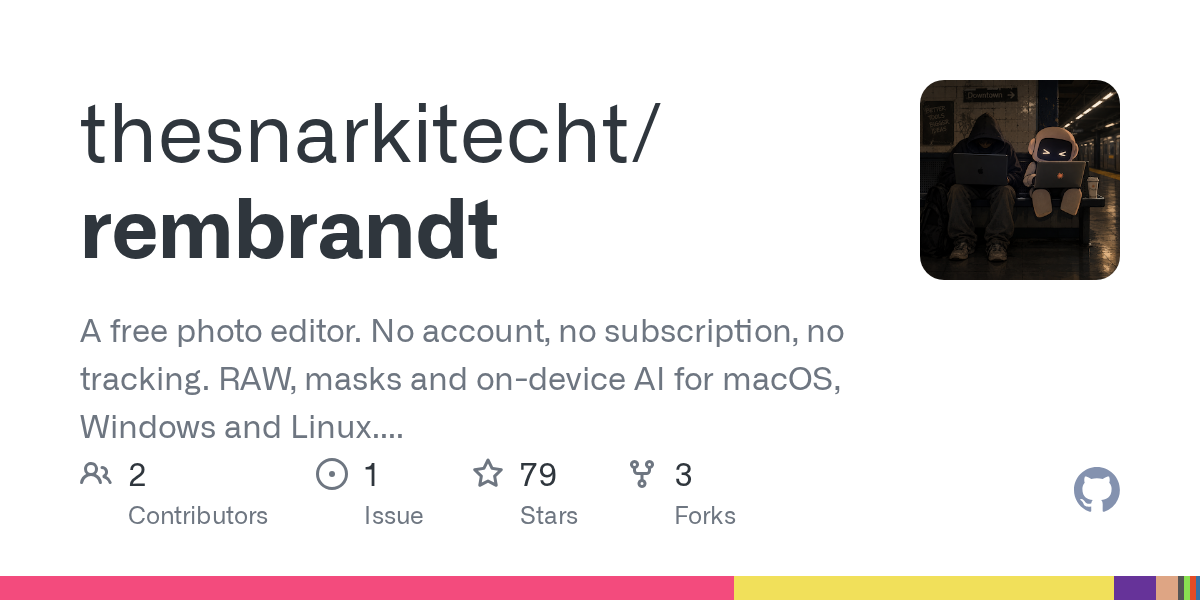
Rembrandt 1.0 arrived with a single‑line installer for macOS, Windows and Linux – for example, curl -fsSL https://raw.githubusercontent.com/thesnarkitecht/rembrandt/main/install.sh | bash will pull the latest build and start the app.
Feature set aimed at fast, non‑destructive editing
Rembrandt provides RAW development, masks (brush, gradient, AI subject and depth), healing, HDR/panorama merges, AI denoise and super‑resolution that runs on the GPU. Edits are saved as standard XMP side‑car files, so existing Lightroom or darktable libraries can read them. The UI includes a “Ask in words” panel where you type commands like “warmer and a bit brighter” and watch the sliders move.
On‑device AI preserves privacy
All AI‑enhanced operations – refocus, background replacement, denoise, super‑resolution – execute on the local GPU, never uploading images. The app bundles depth and subject models, and the AI logic runs in a small Rust/Tauri binary with WebGPU shaders. This design lets photographers keep raw files on‑premise while still getting AI‑driven results.
Simple self‑hosting and update flow
Running curl … | bash -s -- --server starts a tiny web server that watches a photo folder and serves the editor in any browser. Adding --lan exposes the UI to other devices on the same network. Updates are triggered from the Settings → About page, which verifies the new release against a SHA‑256 checksum before restarting the server.
Caveats and cost considerations
The current builds are not code‑signed, so macOS users must enable “Open Anyway” in System Settings and Windows users must click “Run anyway”. Cloud sync is an optional paid feature; the announcement does not list pricing or limits, so teams should test the free local workflow before deciding on a subscription. These points suggest trying Rembrandt first in a sandboxed environment.
When to try it – If your startup already uses Lightroom or darktable and wants a zero‑cost, privacy‑first alternative for basic RAW editing and AI enhancements, spin up the self‑hosted server on a dev machine and evaluate the workflow before considering the paid sync option.