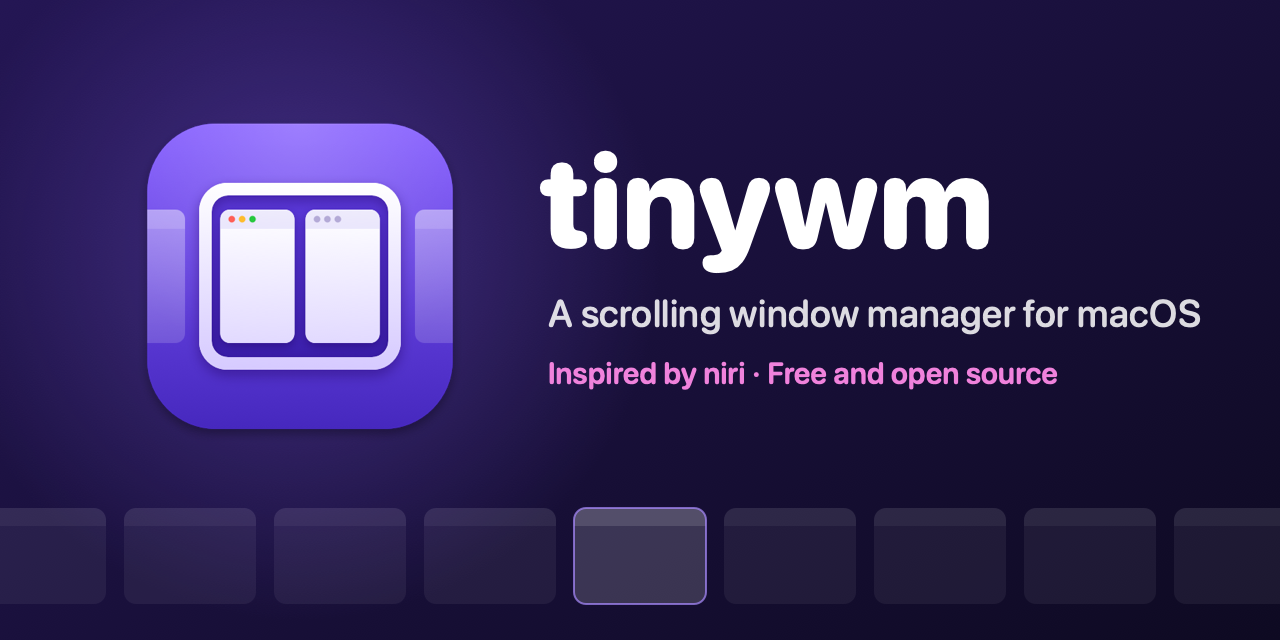
The tinywm project released version 1.0 for macOS 14 Sonoma, requiring Apple‑silicon hardware and installing via a tinywm.zip download from the GitHub release page. It replaces the usual overlapping windows with a horizontal strip that you scroll with one key or a three‑finger swipe.
A different way to arrange windows
tinywm opens every new window next to the current one on the same display, leaving existing windows unchanged. Windows glide into place with a spring‑like motion that feels smooth even on 120 Hz screens. All actions are bound to the right‑⌘ meta key combined with H J K L (or arrow keys), and the bindings are configurable in a plain‑text file that reloads on save.
Install and configure in minutes
To try it, download the latest release zip, drag the tinywm app into Applications, and launch it. macOS will treat it like any notarized app. You can also build from source with git clone https://github.com/bbodi/tinywm.git and run the bundle script. The welcome window walks you through granting Accessibility (required) and optional Screen Recording permissions. The config file lets you set defaults such as window width, floating‑app rules, and even change the meta key.
Caveats to keep in mind
tinywm does not manage full‑screen apps, which live in their own macOS Space outside the strip. Some fixed‑size dialogs cannot be resized and will automatically float. Trackpad gestures that use the same finger count as tinywm’s swipe can clash, and the tool is only tested on Apple‑silicon Macs – Intel Macs remain untested. The project’s page does not list any pricing; the software is free under GPL‑v3.
When to give it a spin
If your startup’s macOS developers spend time juggling overlapping windows and you’re already on macOS 14 Sonoma with Apple silicon, install tinywm on a test machine and see whether the endless strip improves your workflow. Watch for the known limitations around full‑screen apps and trackpad gestures before adopting it broadly.