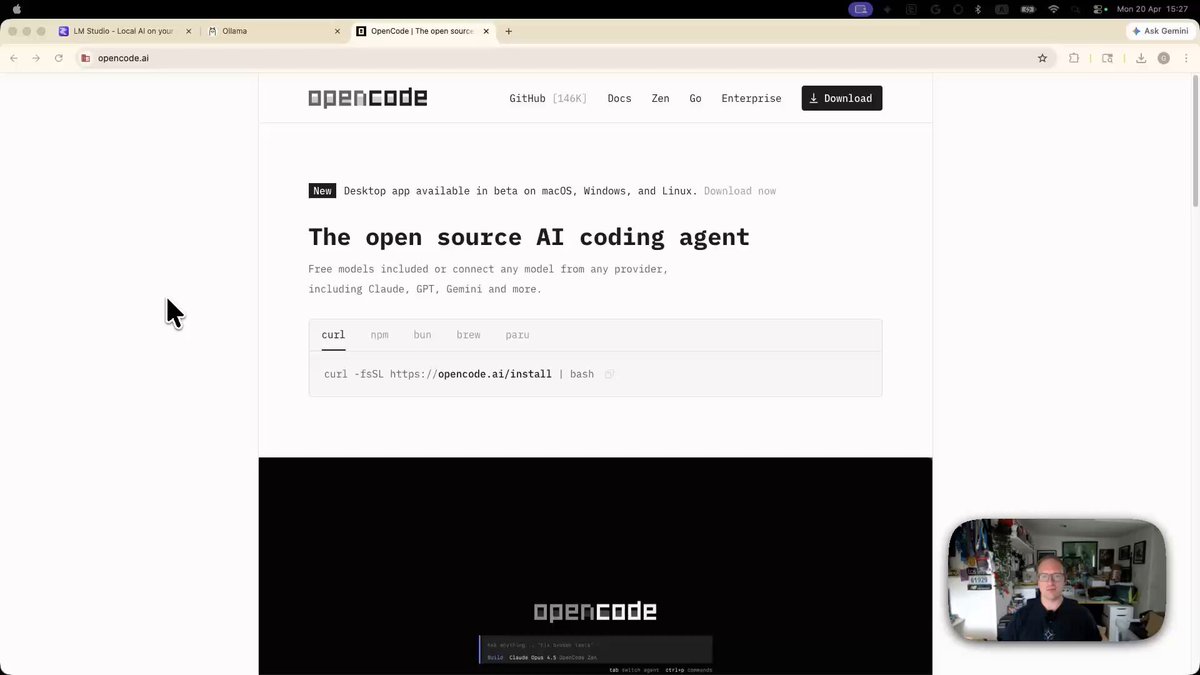
Google announced that the 26‑billion‑parameter Gemma 4 model (A4B quantization) can be run fully offline. The walkthrough shared on X shows the model loading in LM Studio and being paired with OpenCode to parse PDFs, answer questions, and generate static sites, all without an internet connection. The tweet includes a step‑by‑step guide and a sample output, confirming the end‑to‑end flow.
Local setup with LM Studio
LM Studio provides a UI for loading GGUF‑formatted models. After downloading the Gemma 4 (26B A4B) checkpoint, you point LM Studio to the file and enable the "offline" mode. OpenCode, a code‑generation plugin for LM Studio, then handles prompts that involve reading PDFs or generating HTML. The whole pipeline runs on your CPU or GPU, depending on available hardware.
Hardware and cost considerations
The model itself is free to download, but the 26B size demands at least 48 GB of VRAM for reasonable latency, or a multi‑GPU setup for CPU fallback. For startups without dedicated GPU clusters, the hardware cost can outweigh the benefit of staying offline. Additionally, the initial download is several gigabytes, which may be a bandwidth concern on limited connections.
Caveats and noise risk
Running locally eliminates network latency but introduces new failure modes. The model can produce hallucinations, especially when parsing complex PDFs, and OpenCode's code suggestions may need manual verification. Without continuous updates from Google's servers, you miss any future safety patches or model refinements, potentially increasing false‑positive rates.
When to try this approach
If your team needs to process sensitive documents on‑premise or wants to avoid third‑party API costs, a one‑off hardware investment can pay off. Start with a small test set of PDFs and measure inference time; if latency is acceptable and your GPU meets the memory threshold, integrate the offline Gemma pipeline into your internal tooling.
What to watch: Keep an eye on the upcoming Gemma 5 release and community‑maintained quantization scripts, which may lower the hardware bar for offline use.
Source: Google Gemma tweet