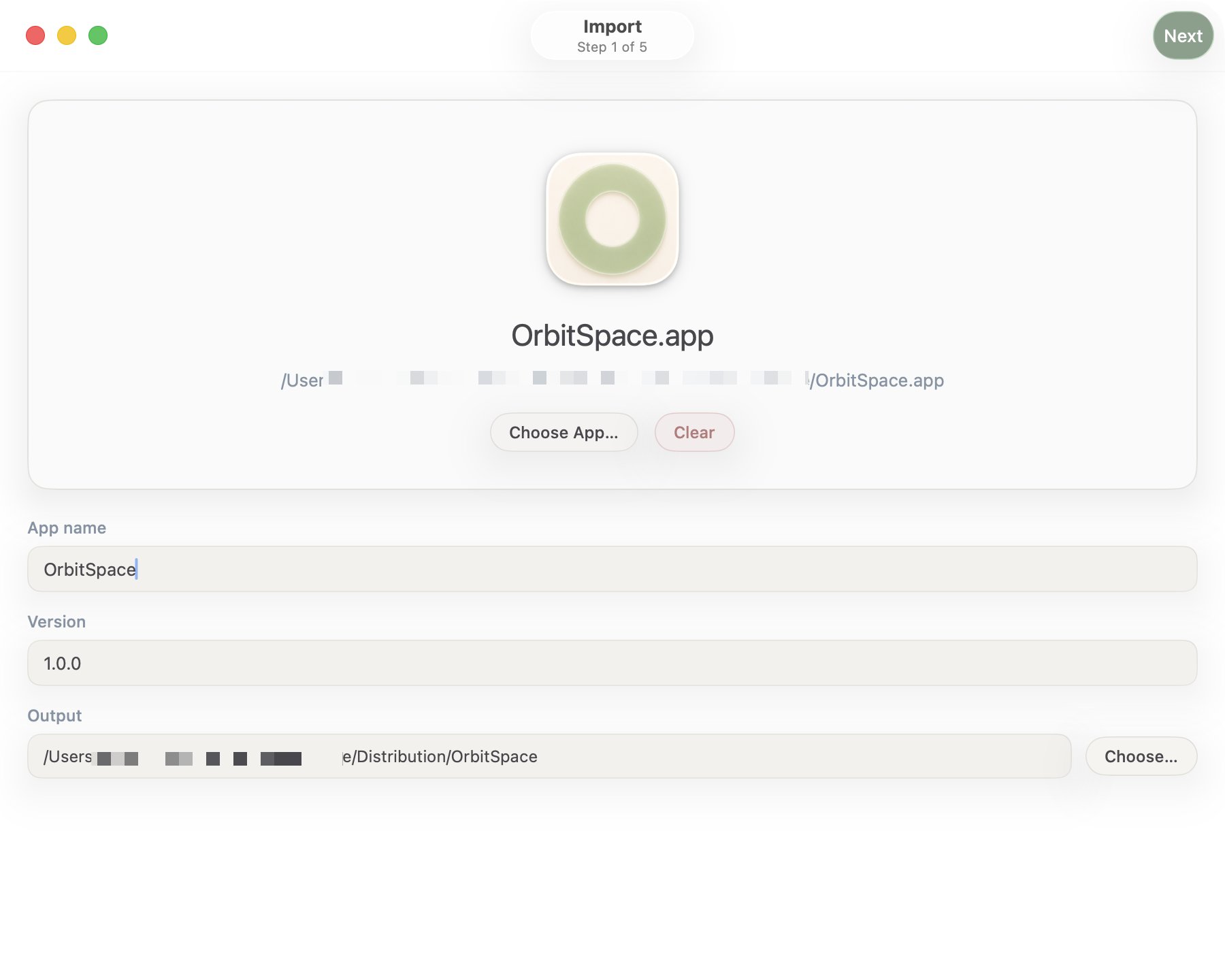
An indie hacker just open‑sourced a SwiftUI‑based command‑line helper that bundles the entire Sparkle release pipeline into a five‑step workflow, from DMG generation to uploading the update package to Cloudflare R2. The announcement was posted on X, where the creator highlighted that the tool runs 100 % locally and uses only native macOS networking APIs. source
What the tool actually does
The utility orchestrates the standard Sparkle release steps: it creates a signed DMG, updates the appcast XML, bumps the version number, signs the update with the developer’s Sparkle key, and finally pushes the artifacts to a Cloudflare R2 bucket. All configuration lives in a small TOML file, making it easy to switch between multiple projects without editing scripts.
How it stays fast and private
Because the code is pure SwiftUI and leverages URLSession for network calls, there are no external dependencies or SaaS callbacks. The entire process runs on the developer’s workstation, which eliminates the latency and data‑leak concerns of cloud‑based CI runners. The binary size is under 5 MB, and the build time is measured in seconds on a recent MacBook.
Limitations to consider
The tool only supports Sparkle‑based update mechanisms, so apps that use other updaters (e.g., Microsoft App Center) will need a separate pipeline. It also assumes a single‑bucket Cloudflare R2 layout; custom CDN configurations require manual tweaks. Since the workflow is local‑only, teams that rely on shared CI pipelines may find it harder to enforce consistency across developers.
When to give it a spin
If your startup ships a macOS app that already uses Sparkle and you’re tired of juggling shell scripts for DMG signing and upload, try the helper on a single release branch first. Monitor the generated appcast for any malformed entries—those can cause update failures for end users.
What to watch: future updates may add support for other storage backends or integrate with CI systems, expanding its applicability beyond solo indie projects.